FIRST STEPS
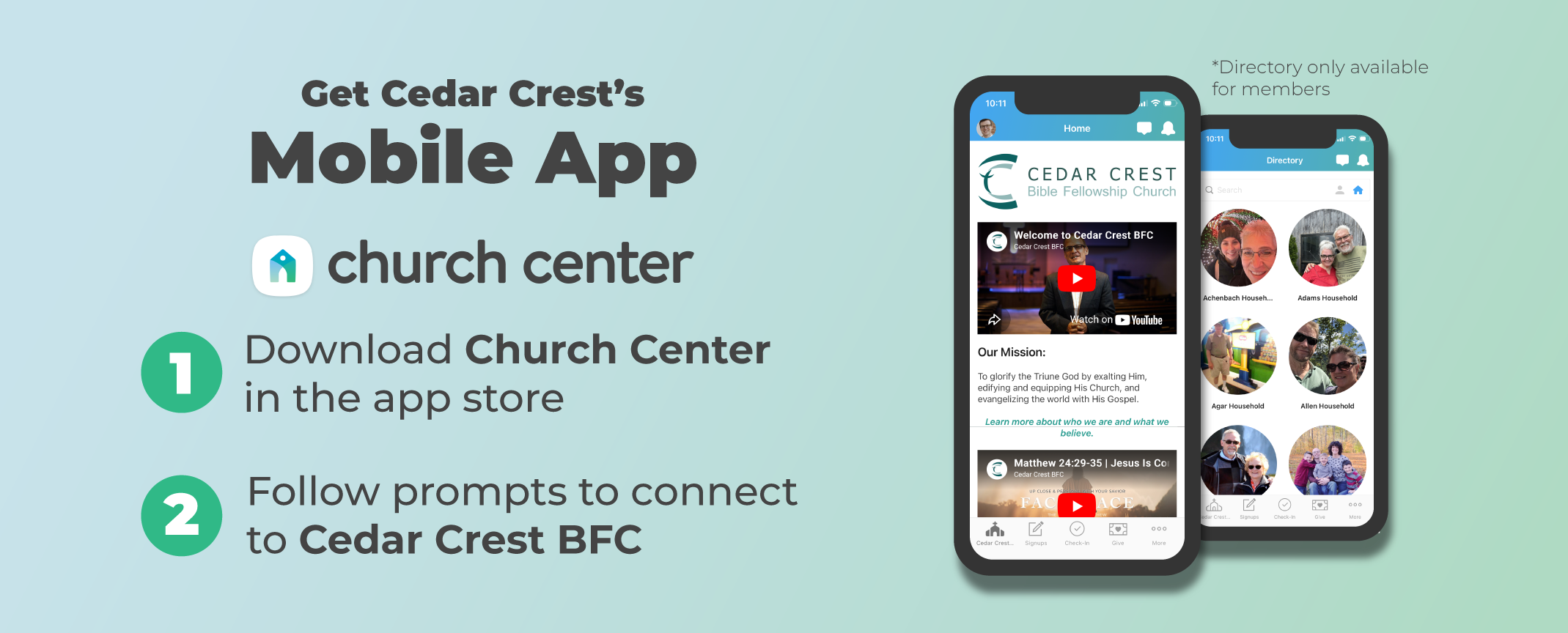
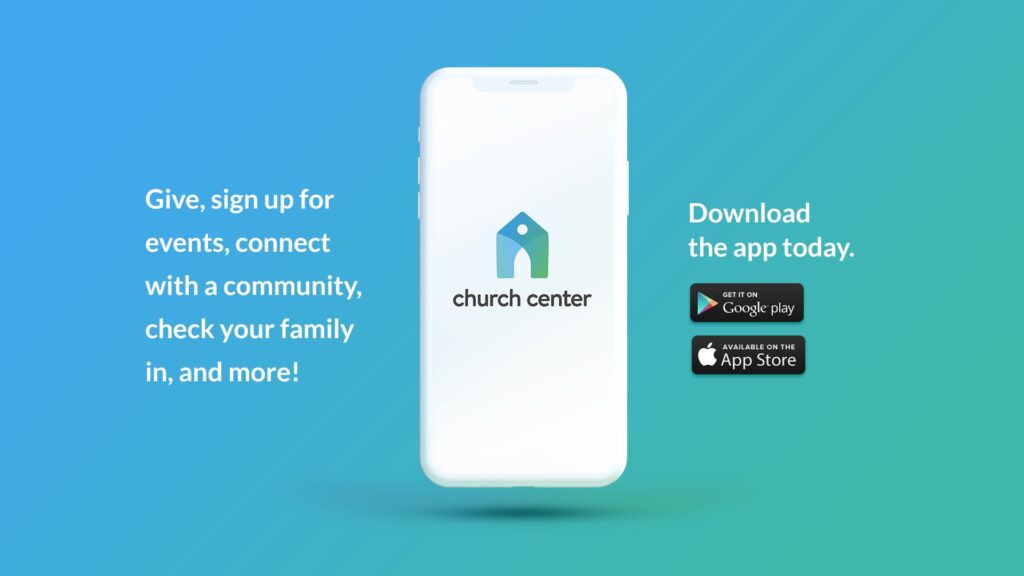
Download the Church Center app from the app store and then follow the prompts to connect to Cedar Crest BFC.
Give seamlessly. Sign up for an event. Check-in your child. Get access to our ministries, sermons, resources, church calendar, and the Directory (members only).
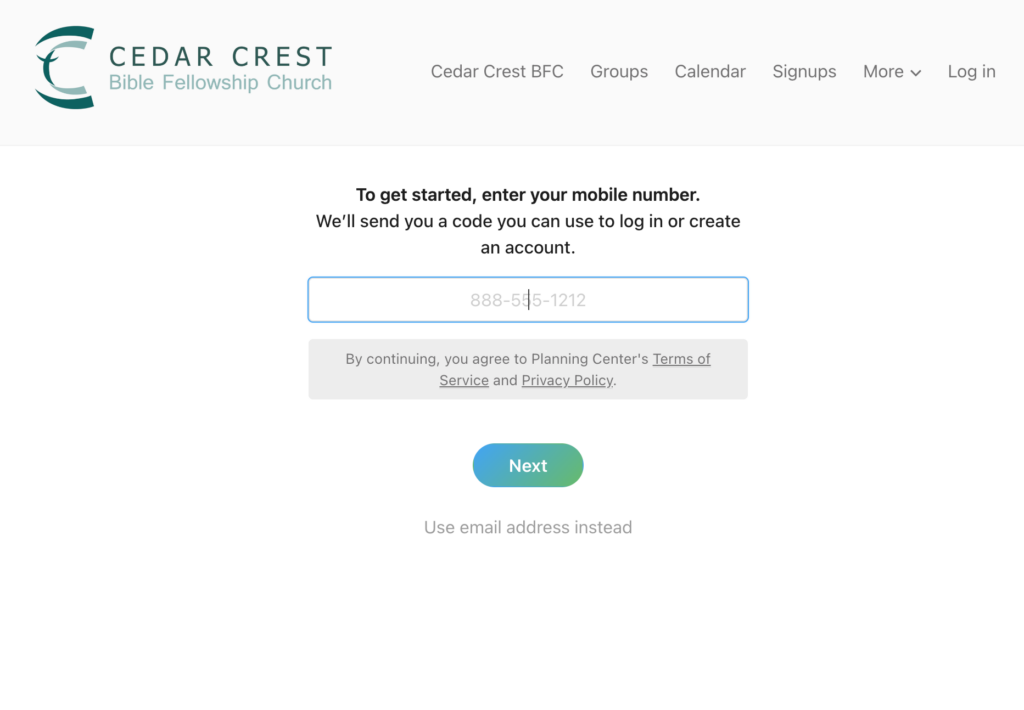
Don’t have a smartphone? You can also access Church Center from your desktop. To log in without using a phone number, click “use email address instead.”
PRO TIPS
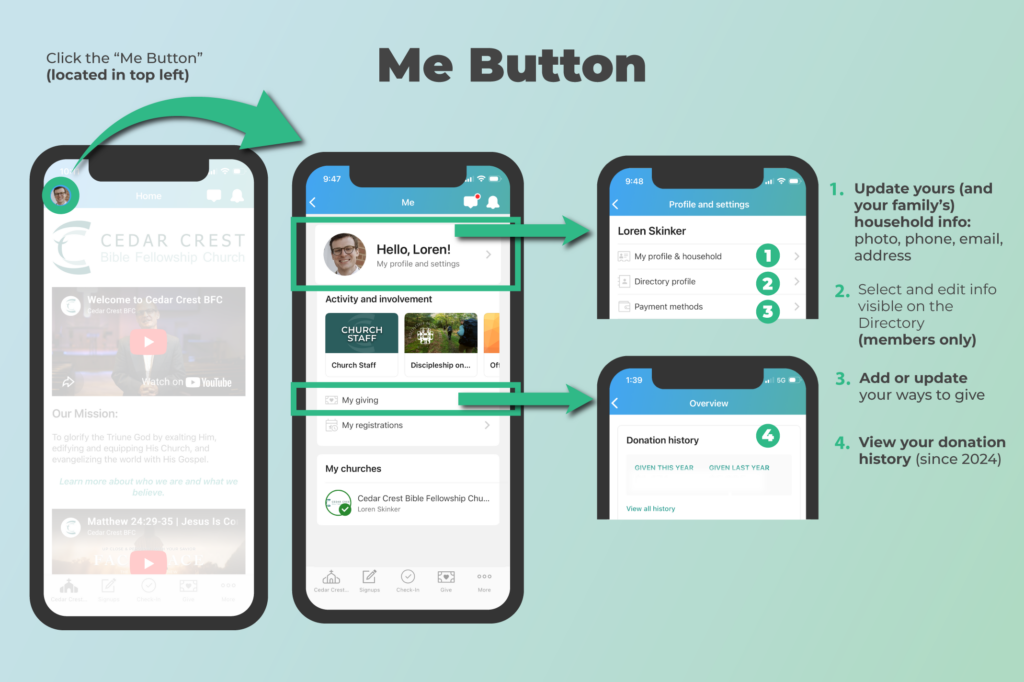
- Update your contact info and upload a profile photo by: tapping “Me button” on top left of screen
- Access your giving records by: tapping “Me button” on top left of screen
- Select what personal info you would like to be visible on the Directory (Members only) by: tapping “Me button” on top left of screen
- Quickly register for a church event or Bible study (under “Signups”)
- Child Check-In enables you to check-in on your way to church and then use the QR code to print your name tags at an iPad station
GETTING STARTED
1. download app or go to website
While Church Center is available on desktop (top right corner of this website), we recommend downloading the app on to your smartphone.
2. Find Cedar Crest
Church Center will prompt you to search for a church. You’ll hit “continue” and type in “Cedar Crest Bible Fellowship Church”, or it will bring up options by location.
3. Log In
Follow the prompts to log in (or continue as guest).
Use your primary email or phone number. It will then send you a verification code to complete your login.
Giving on Church Center
Giving is now available on Church Center via mobile or desktop. It’s easy and safe! You can now give to multiple funds at once on mobile and desktop!
GIVING PRO TIP
While we allow the use of credit cards for online tithes and offerings, we strongly recommend connecting to your ACH/bank for two primary reasons:
- Although many pay off their credit cards each month, many also do not. We do not want to encourage someone to go into debt and pay interest on gifts given to the church. We offer the opportunity to give by credit card as a convenience to those who manage their finances in a God-honoring way.
- With ACH/bank giving, we pay the lowest processing fees possible. When using a credit card or debit card, as much as 3% of your gift can go to cover processing fees.
Help: Please do not hesitate to call our church office to help you setup ACH/bank Giving at 610-432-2200.
Cedar Crest Directory
For the protection and privacy of the church, the Directory is open to members only. Read our full explanation on this.
Church members can only access the Directory by first opting in. You should have received an invitation email to join. If not, please reach out to the Church Office.
Once you’ve accepted the invite, follow the steps below to opt in:
- Click “More.” This is located in the navigation at the top of the website or at the bottom of the mobile app. Then, click “Directory.”
- Click the “Share Now” link or button. You should see a blue hyperlink at the top of the website or a blue-green button at the bottom of the mobile app.
- Select the info you want to share in the Directory. Any details that you do not select will remain hidden from other members of the Directory. Please take time to add the members of your household as well. We recommend sharing all personal and contact details, that way your fellow members can contact you.
Directory Request Form (Non-Members)
As a non-member, if you feel that you should have access to the Directory, please fill out this form. Your submission does not guarantee you access to the Directory and will be reviewed by the pastors.
FAQ
Please Contact the Church offices for help (info@cedarcrest.church or 610-432-2200)
If you’re having trouble logging into Church Center, try the following:
- Close out of and restart the app (on mobile) or refresh your browser (on desktop)
- If you aren’t receiving the verification code on your phone, try sending it to your email
- If problem persists, contact the Church Office (610-432-2200)
You can access Church Center by downloading the app on your phone or by going to the top right of our website and click “Church Center.”
Yes, all giving takes place on Church Center. You can do this easily on the app or on your computer.
The Directory is the place to see a person’s personal and contact information. However, this feature is open to members only. If you are a Cedar Crest BFC member, you should have received an invitation to opt-in to the Directory. If not, please contact the church offices.
If you aren’t a member, but would like to request access to the Directory, please fill out this form.
Outside of the Directory (for members only), you can still do so much right from Church Center on your phone or desktop. You can quickly register for events, check out the church calendar, give, chat with your Life Group, and quickly access resources like Sunday sermons, the bulletin, and the podcast!